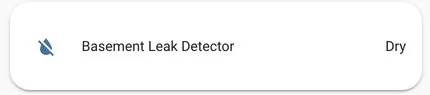
ESP32 漏水检测器(含通知)
利用 ESP32 的电容触摸 GPIO,使用 ESPHome 构建漏水检测器相对容易。
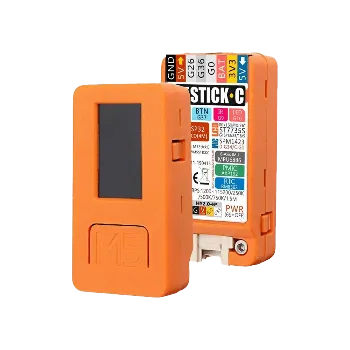
选择 M5StickC 作为平台,是因为它集成了 Grove 接口,便于整洁连接,且外壳完备。
内置显示屏是锦上添花的功能,但并非绝对必要。通知通过 HomeAssistant 的
alert 和 notify 功能实现,经由 Pushover 推送到 iOS 和 Android。
-
M5Stick axp192 自定义组件 这是为显示屏供电所必需的。您无需 st7735 显示驱动,因为它已包含在 ESPHome >1.16.0 中。
-
M5StickC ESP32 开发套件 M5Stack 链接
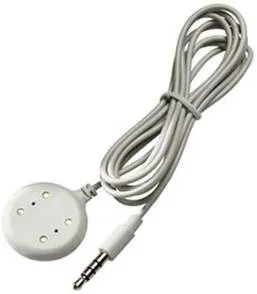
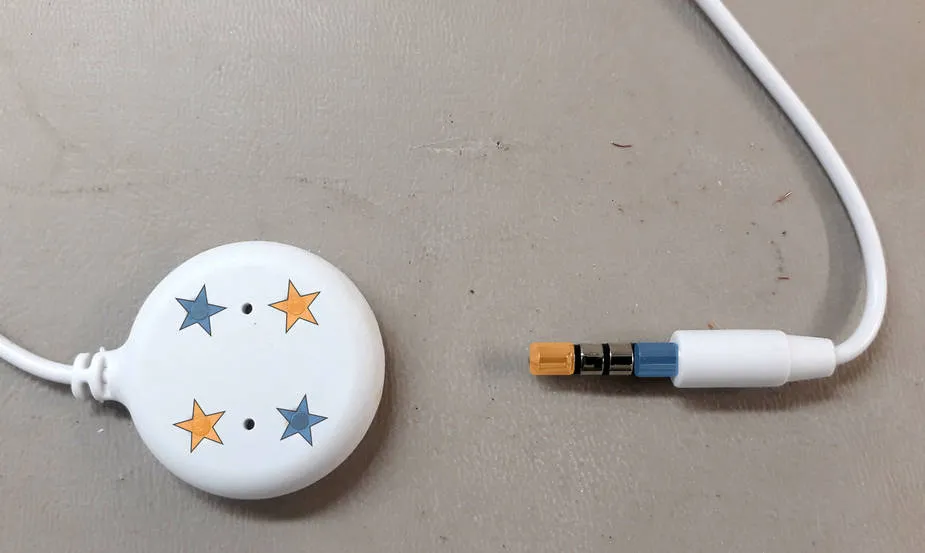
- 湿度传感器 本例使用 Guardian Remote Sensor Probe, 带有一根 6 英尺长的线。
- Grove 连接器延长线 Amazon 链接
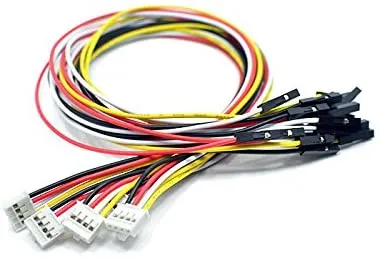
- 带 USB-C 线缆的 USB 电源 (M5StickC 附赠的短黑色 USB 线缆如图片所示)
由于探头带有集成的 3.5mm 公头插头,Grove 端口已连接了一个 3.5mm 母头插孔, 以便日后方便更换探头。橙色接橙色,蓝色接蓝色。探头另一侧的焊盘与正面内部连接方式相同。 3.5mm 插孔中间的两个环未使用。无正负极之分——只需将一个端子(橙色或蓝色)连接到 Grove GND, 另一个连接到 Grove G33。
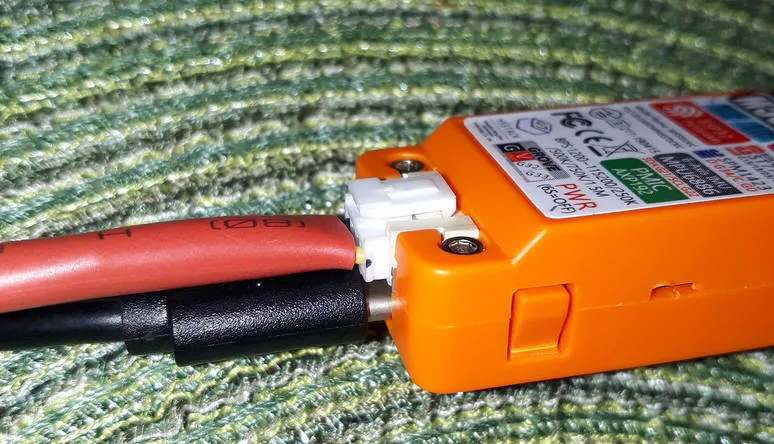
组装后的组件
Section titled “组装后的组件”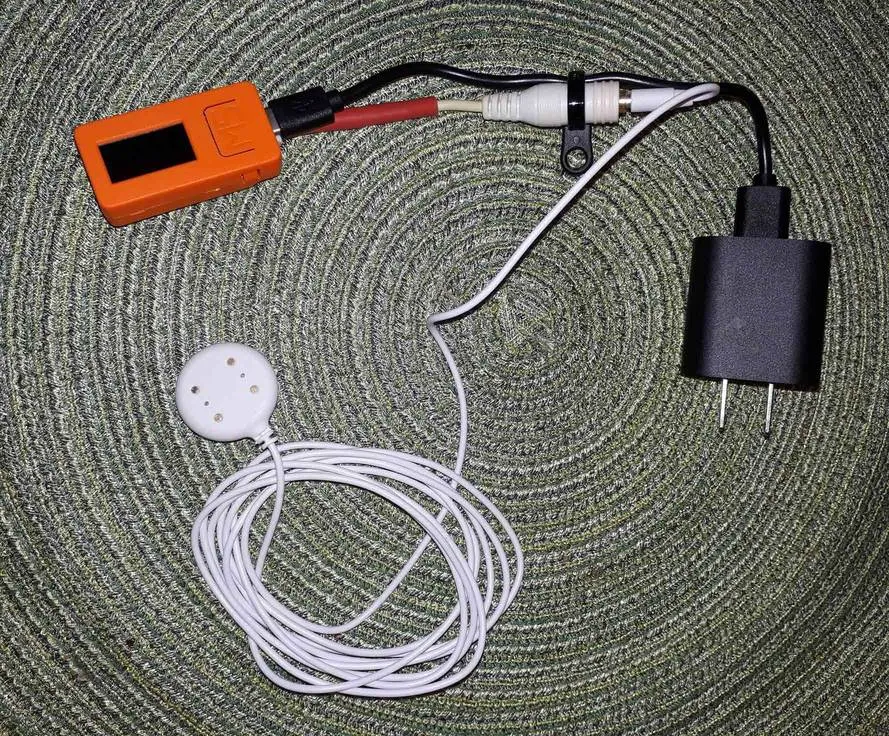
NOTE
尽管 M5StickC 内置电池(或许可以应对短时断电),但仍需让设备 24 小时保持 USB 供电。
您需要将 OpenSans-Regular 字体(或其他您选择的字体) 放在 ESPHome YAML 文件旁边。参见 - Display。
连接完毕并刷写固件后,启用 esp32_touch: 的 setup_mode: true,然后调整触摸式二值传感器(GPIO33)的阈值,
以找到适合您特定湿度传感器和布线环境的正确值。准备一杯水用于测试,再给自己倒一杯,边看日志边蘸水测试。
目标是找到一个阈值,使其在水中能够触发二值传感器,但在其他情况下不会触发。
更多信息请参见 ESP32 触摸按键。
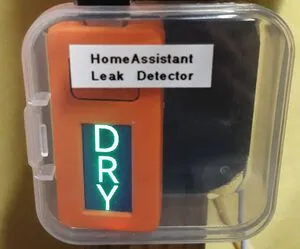
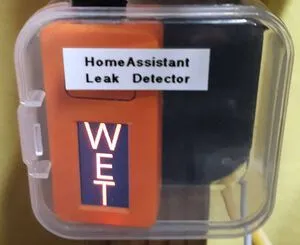
安装后的项目
Section titled “安装后的项目”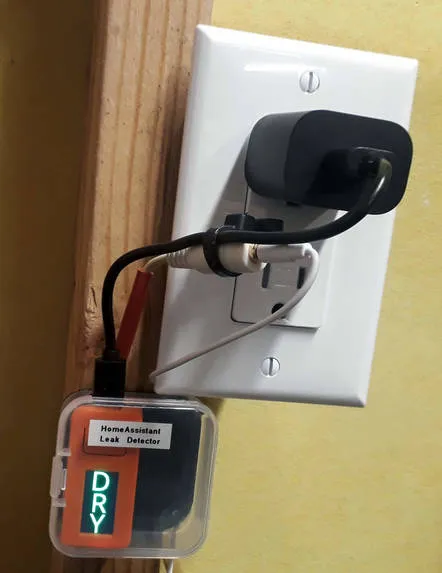
未展示的部分:探头放置在房间最低处的角落地板上,不碍事
ESPHome 配置
Section titled “ESPHome 配置”substitutions: devicename: basement_leak_detector friendly_name: Basement Leak Detector device_description: Leak detector in basement utility room
esphome: name: $devicename comment: ${device_description}
esp32: board: m5stick-c
wifi: ssid: !secret wifi_ssid password: !secret wifi_password
# Enable fallback hotspot (captive portal) in case wifi connection fails ap: password: !secret fallback_ap_password
captive_portal:
logger:
# Enable Home Assistant API & OTA Updatesapi:ota: platform: esphome
status_led: pin: number: GPIO10 inverted: true
spi: clk_pin: GPIO13 mosi_pin: GPIO15
i2c: - id: bus_a sda: GPIO21 scl: GPIO22 scan: true
esp32_touch: #setup_mode: true iir_filter: 10ms
binary_sensor: - platform: gpio pin: number: GPIO37 inverted: true id: button_a on_press: then: - switch.toggle: led1 - platform: gpio pin: number: GPIO39 inverted: true id: button_b on_press: then: - switch.toggle: led1 - platform: status name: "${friendly_name} Status" - platform: esp32_touch name: "${friendly_name} Sensor" device_class: moisture id: leak pin: GPIO33 threshold: 30 on_press: - while: condition: binary_sensor.is_on: leak then: - switch.turn_on: led1 - delay: 200ms - switch.turn_off: led1 - delay: 100ms - switch.turn_on: led1 - delay: 200ms - switch.turn_off: led1 - delay: 400ms on_release: then: - switch.turn_off: led1
sensor: - platform: uptime name: "${friendly_name} Uptime"
# AXP192 power management - must be present to initialize TFT power on - platform: axp192 address: 0x34 i2c_id: bus_a update_interval: 30s battery_level: name: "${friendly_name} Battery Level" id: "m5stick_batterylevel"
- platform: wifi_signal name: "${friendly_name} WiFi Signal" update_interval: 60s
text_sensor: - platform: version name: "${friendly_name} ESPHome version"
switch: - platform: gpio pin: number: GPIO10 inverted: true id: led1
font: - file: 'OpenSans-Regular.ttf' id: font1 size: 66
color: - id: color_wet red: 100% green: 0% blue: 0% - id: color_dry red: 0% green: 100% blue: 0%
# built-in 80x160 TFTdisplay: - platform: st7735 model: "INITR_MINI160X80" device_height: 160 device_width: 82 col_start: 0 row_start: 0 eight_bit_color: false cs_pin: GPIO5 dc_pin: GPIO23 reset_pin: GPIO18 invert_colors: true use_bgr: true lambda: |- if (id(leak).state) { it.fill(COLOR_OFF); it.print(42, -24, id(font1), id(color_wet), TextAlign::TOP_CENTER, "W"); it.print(42, 32, id(font1), id(color_wet), TextAlign::TOP_CENTER, "E"); it.print(42, 85, id(font1), id(color_wet), TextAlign::TOP_CENTER, "T"); } else { it.fill(COLOR_OFF); it.print(42, -24, id(font1), id(color_dry), TextAlign::TOP_CENTER, "D"); it.print(42, 32, id(font1), id(color_dry), TextAlign::TOP_CENTER, "R"); it.print(42, 85, id(font1), id(color_dry), TextAlign::TOP_CENTER, "Y"); }HomeAssistant 配置
Section titled “HomeAssistant 配置”共有两个部分:一部分是告警条件,另一部分是经由 Pushover 发送的通知。 更多详细信息请参阅 HomeAssistant 的 Pushover 集成文档。
alert:  basement_water_leak:    name: Water detected in the basement    entity_id: binary_sensor.basement_leak_detector_sensor    state: 'on'    repeat: 30    can_acknowledge: true    notifiers:      - water_leak_notification_group
notify:  - name: pushover    platform: pushover    api_key: !secret pushover_api_key    user_key: !secret pushover_user_key  - name: water_leak_notification_group    platform: group    services:      - service: pushover        data:          data:            # Pushover-provided sound effect (https://pushover.net/api#sounds)            sound: alien
享受您的本地控制的带推送通知的漏水检测器吧!