

[更新:问题已解决,API 已恢复并承诺持续保留] Logitech Harmony 移除本地 API
更新 6(12 月 21 日):好消息!Logitech 在论坛公告中表示,他们推出了 XMPP Beta Program,可安装开发者固件版本以恢复原有 XMPP API(包括其中的安全漏洞行为)。请注意,安装该版本会导致保修失效。
Logitech 也在开发新的 Hub 固件版本来修复这些漏洞。这是非常积极的进展,也让我们重建了对 Logitech 的信任。感谢 Logitech 调整方向并与用户协作。
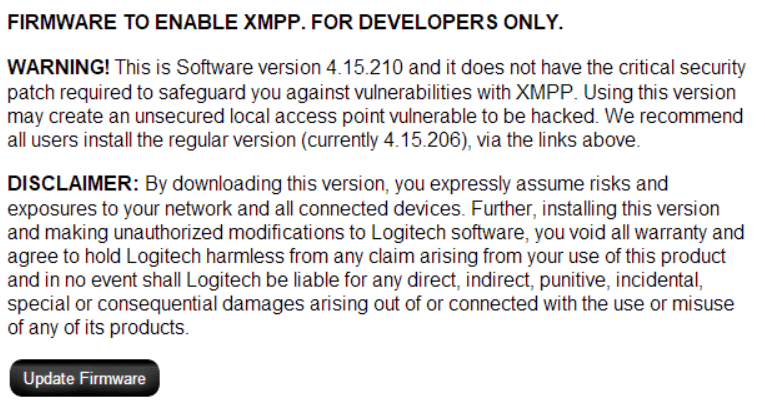 仅开发者可用的固件可恢复本地 XMPP API;安装后保修失效。
发现这些安全漏洞的网络安全公司 Tenable 也发布了研究通告,详细说明了问题及披露时间线。
更新 7(12 月 21 日):更好的消息!Harmony 团队成员在我们的论坛发帖表示,他们现已承诺持续维护本地 XMPP API。
我们会向 Logitech 核实该帖子是否为官方立场;若确认属实,我们会把 Home Assistant 实现切回 XMPP API。在此之前,我们预计自 0.84.3 起使用的 websocket API 不会在迁回前突然下线或变更,所以如果你的 Harmony 目前运行正常,请先不要改动。(已核实:发帖账号绑定了 logitech.com 邮箱)
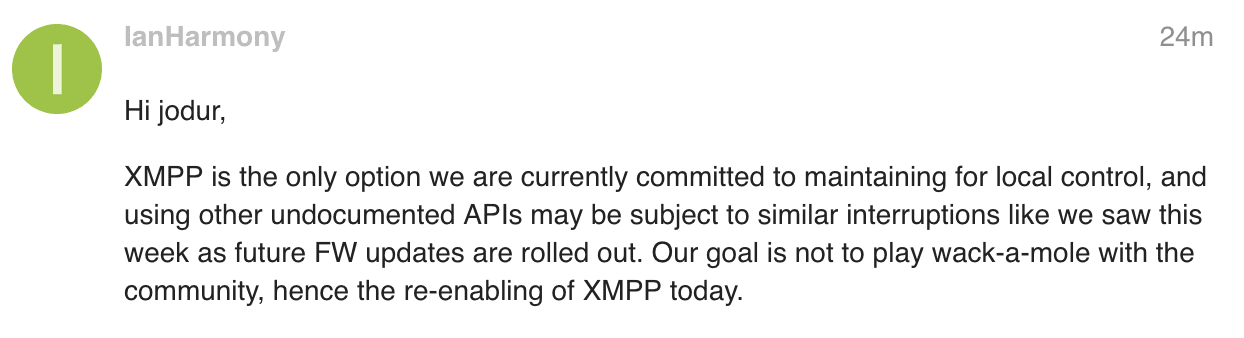 Harmony 员工在 Home Assistant 论坛的帖子。
Original Post:
Logitech 在 Harmony Hub 最新软件更新(v4.15.206)中禁用了本地 API。出于隐私和速度考虑,家庭自动化设备应当在本地通信,避免数据离开网络。随着此次更新,这一点已无法实现。
我们希望这只是对方的疏忽,并会很快回滚。我们已联系 Logitech 请求说明,一旦有新信息会更新本文。在问题解决前,我们不再建议购买或使用 Logitech 产品。
更新 1(12 月 17 日):我们仍未收到正式回复,但 Twitter 用户 @FlorianNoack 在 Logitech 论坛帖子中找到了官方回应(需要多次点击“More answers”才能看到):
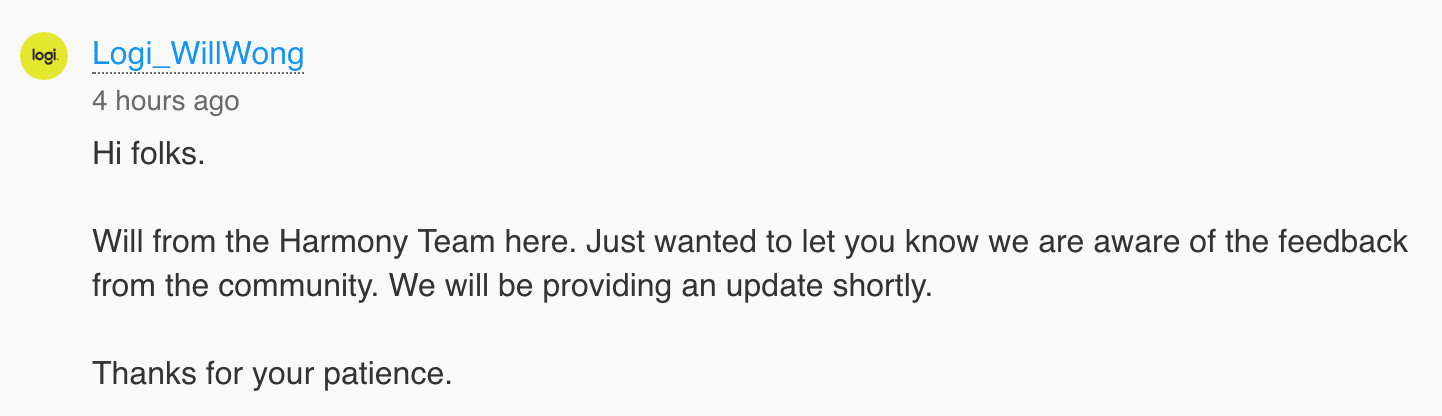 Harmony 团队成员的论坛帖子。
更新 2(12 月 18 日):同一位员工又在论坛新开了一个帖子(推测是为了提高可见度),核心信息仍是“更多细节很快会公布”。
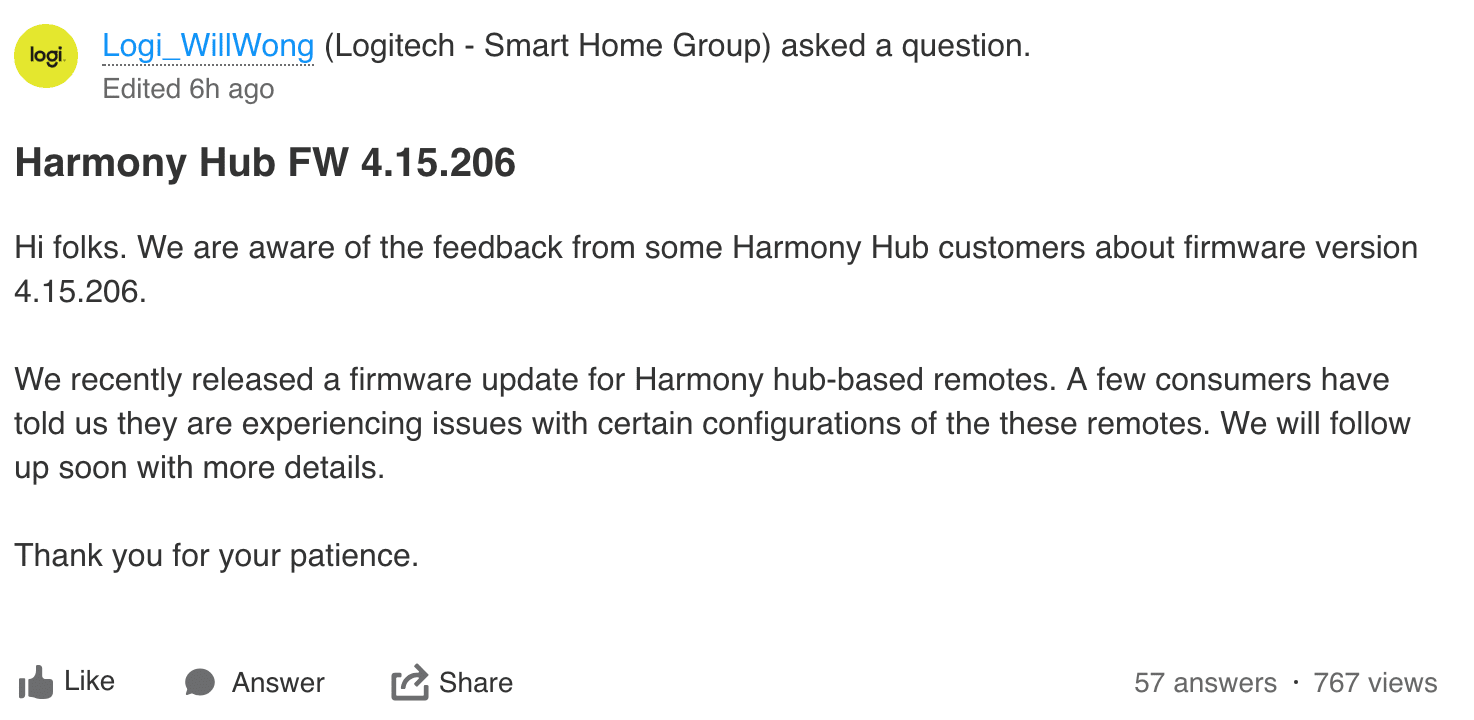 Harmony 团队成员发起的帖子。
更新 3(12 月 18 日):Twitter 用户 @ChadBeattie 发现 Logitech Harmony iOS 应用似乎使用了第二套未文档化的本地 API。Home Assistant 开发者 @ehendrix23 正在尝试更新 PyHarmony 库以支持这套接口。如果你想参与开发,欢迎加入聊天频道中的 #devs_backend。我们不能保证一定可行,但若验证成功,将发布热修复版本。
更新 4(12 月 18 日):Logitech 仍未就基于 XMPP 的本地 API 未来给出明确说法。Home Assistant 开发者 @ehendrix23 在 @chadcb 与评论区其他热心贡献者帮助下,已经基本搞清 Logitech Harmony 本地 websocket API 的工作方式(Harmony iOS 应用也在用它)。目前已有一个针对 Home Assistant 的pull request,用于把 Harmony 集成切换到该接口。这个 PR 正在测试中,若一切顺利,会在 19 日以热修复发布。
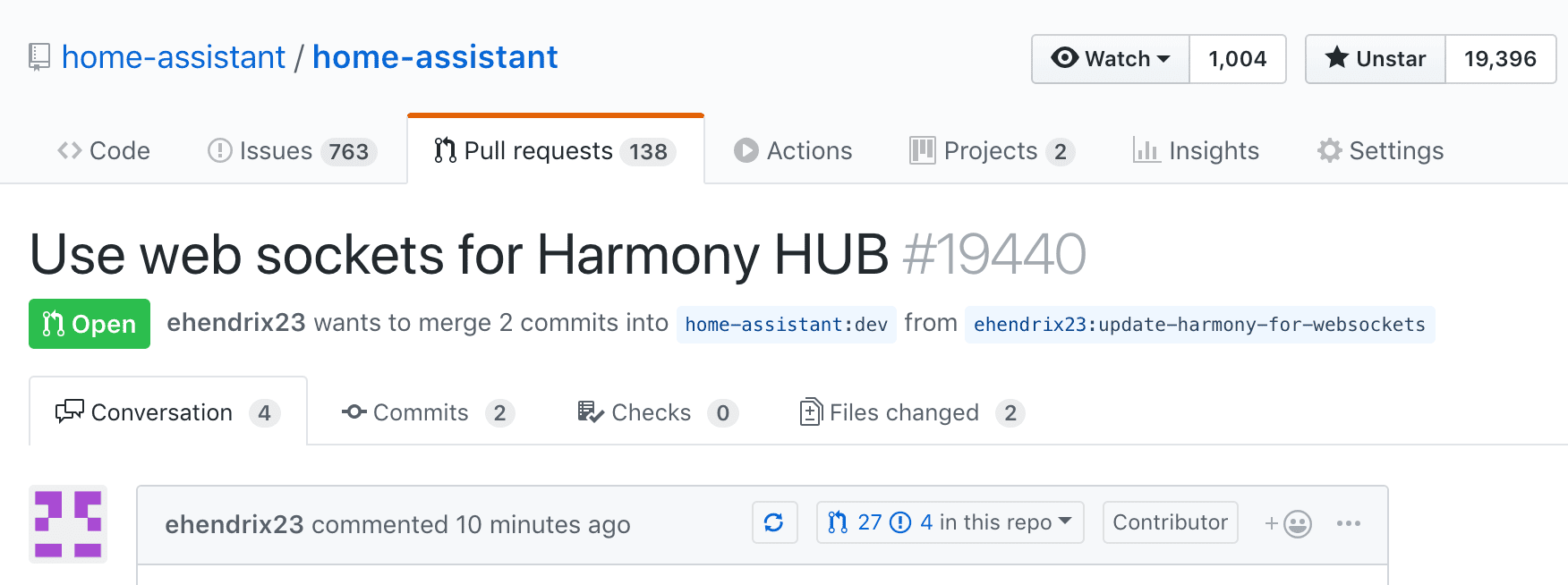 [@ehendrix23] 提交的 Pull Request:改用本地 websocket API。
更新 5(12 月 19 日):Logitech 在论坛发布了官方回应。他们称在收到第三方网络安全公司的报告后移除了本地 XMPP API。我们目前无法独立核实该说法。XMPP API 至少从 2013 年就已存在,并被全球大量智能家居系统采用。他们在帖子里承认知道有人在使用该 API,却没有任何提前告知,这再次证明其在我们智能家居体系中并不可靠。
We have no plans to reenable access to private APIs
— Todd Walker (@ToddW_Logitech) December 19, 2018
我们今天会发布热修复,把集成迁移到他们 iOS 应用正在使用的另一套本地 API。这个接口未来同样可能遭遇类似命运。
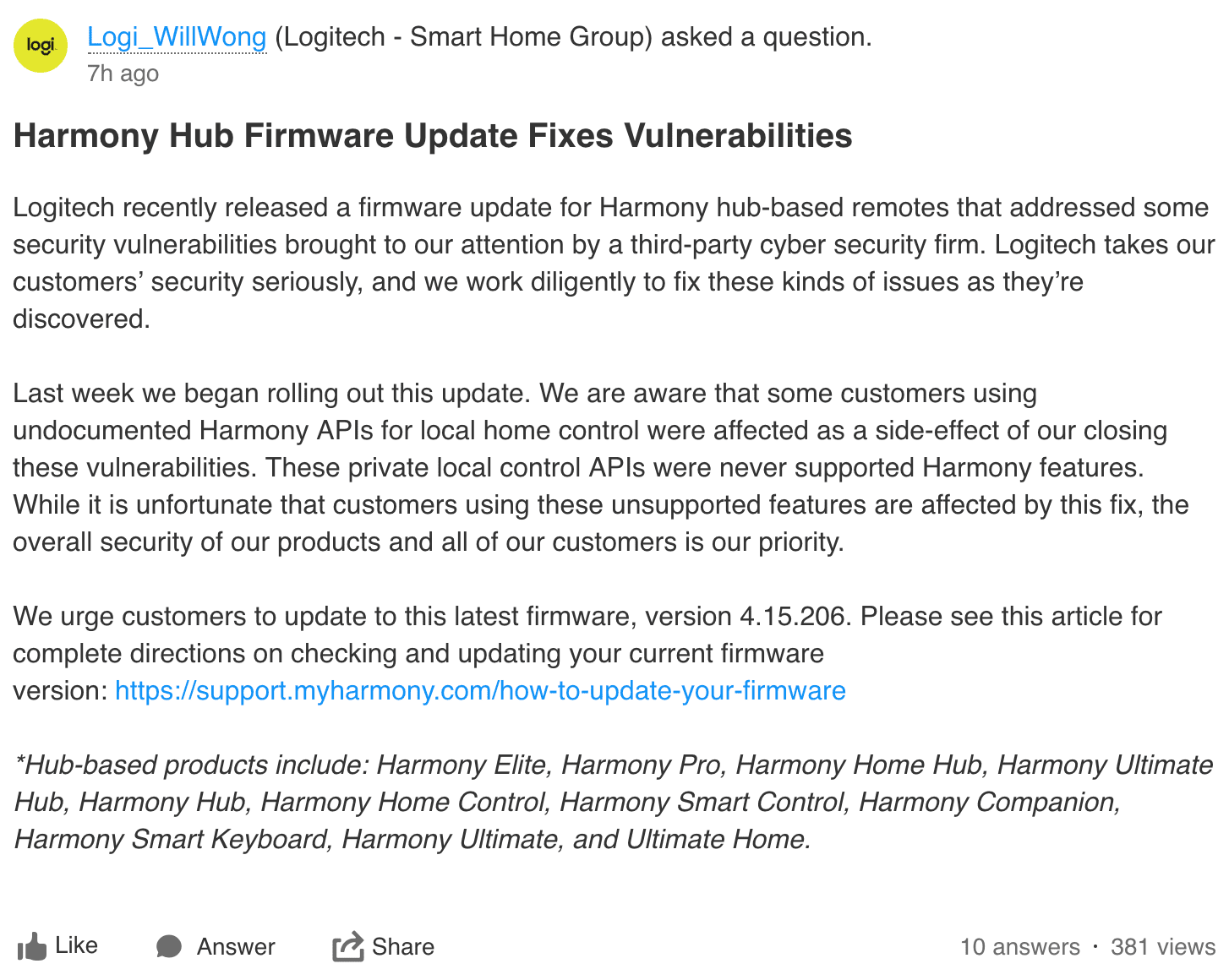 Harmony 团队成员发起的帖子。
更新 6(12 月 19 日):Home Assistant 0.84.4 已发布修复。Logitech Harmony 集成已恢复可用(至少目前如此)。我们已切换到其本地 websocket API。
Reverting the software 更新
If you're using Home Assistant, consider upgrading to 0.84.4 instead of downgrading your hub.
如果你的 Harmony Hub 已升级到 v4.15.206,你可能已经发现 Home Assistant 以及其他依赖本地 API 的产品都停止工作了。别担心,按下面步骤仍(大概率)可以降级到旧版本(来源:Reddit 1、Reddit 2):
- 下载 MyHarmony 电脑客户端。
- 启动 MyHarmony 应用。
- 在窗口内点击任何内容之前:
- Windows 用户:按
Alt+F9。 - Mac 用户:按
Fn+Option+F9或Option+F9(取决于机型,任一组合可能有效)。
- Windows 用户:按
- 在列表中找到你的 Harmony 型号。
- 选择对应型号的 "Factory Reset"。此时不会立即执行任何操作。
- 界面会显示完成 Factory Reset 的 1-4 步,我们只执行第 1 步。这里的“恢复”实际指“回滚”。
- 通过 micro-USB 将 Harmony Hub 连接到电脑。 几分钟后,MyHarmony 会识别并显示遥控器型号、固件版本和硬件修订号,随后“恢复第 1 步”按钮会变为可用。
- 点击“恢复”并等待。(这是第一次明确提示它实际上是回滚)
- 完成后,固件应回到
4.15.193。断开 Hub 与电脑连接,并放回原位置。 最后且非常重要的一步:阻止 Harmony Hub 访问以下域名,或彻底阻断其外网访问。我使用的是 DD-WRT 的 Access Restrictions 功能禁用全部互联网访问,因为我的实现完全基于内网。请按你的环境评估。- svcs.myharmony.com
- content.dhg.myharmony.com
- logging.dhg.myharmony.com
- myharmony.com
- sus.dhg.myharmony.com