

Repairs
Home Assistant Repairs 集成会通知您在 Home Assistant 实例中发现的问题,这些问题应当被修复,以确保您的实例现在和未来都能保持健康稳定运行。
配置
Repairs 集成默认启用,无需执行任何额外操作即可使用。您可以在 Settings > System > Repairs.

使用方式
如果 Home Assistant 在您的实例中发现需要您介入修复的问题,它会在 Repairs 仪表板中创建一个新的问题项。
与 updates 类似,Repairs 仪表板中的待处理问题数量会显示在侧边栏的“Settings”菜单项上。
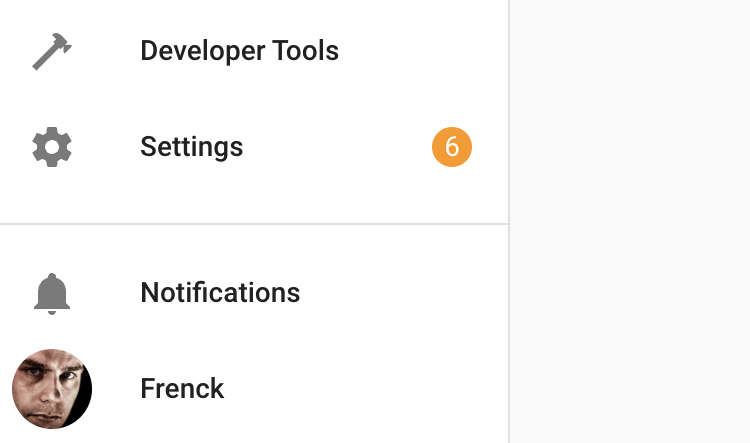 设置菜单项会显示待处理更新和可修复问题的数量。
前往 Settings > System > Repairs 查看需要您处理的问题列表。
每个列出的问题要么允许您直接在仪表板中修复,要么会提供解决该问题所需的信息。
保持系统更新并及时清理问题,有助于让您的系统更加稳定,并具备更好的长期兼容性。