

Datadog
Datadog 集成使用 Datadog Agent 将所有状态更改发送到 Datadog。
Datadog 允许您分析、监控、交叉引用您的数据并对其发出警报。您可以使用它来检测统计异常、实时查看跨多个来源的图表、向 Slack 发送关键警报等。
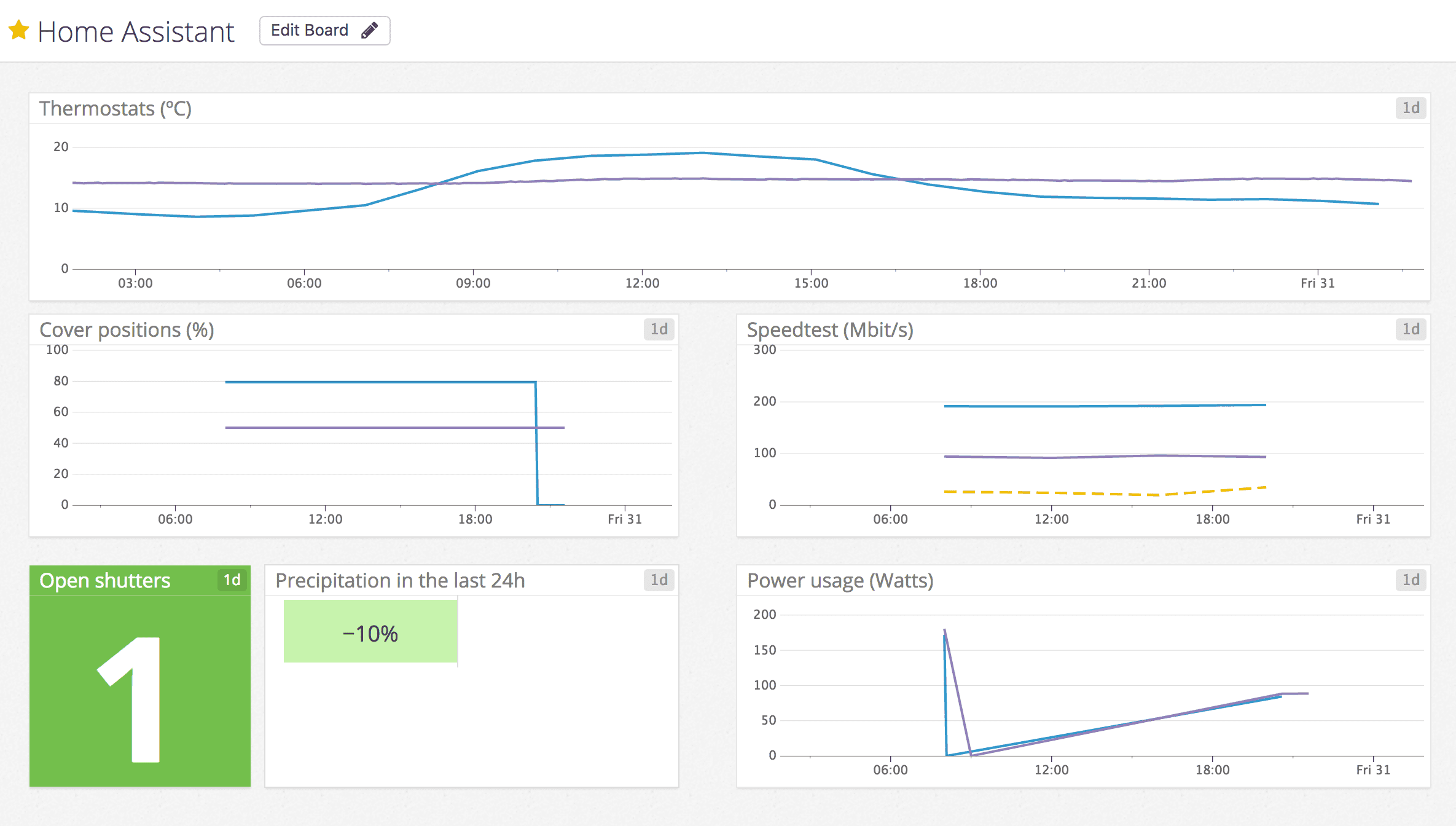
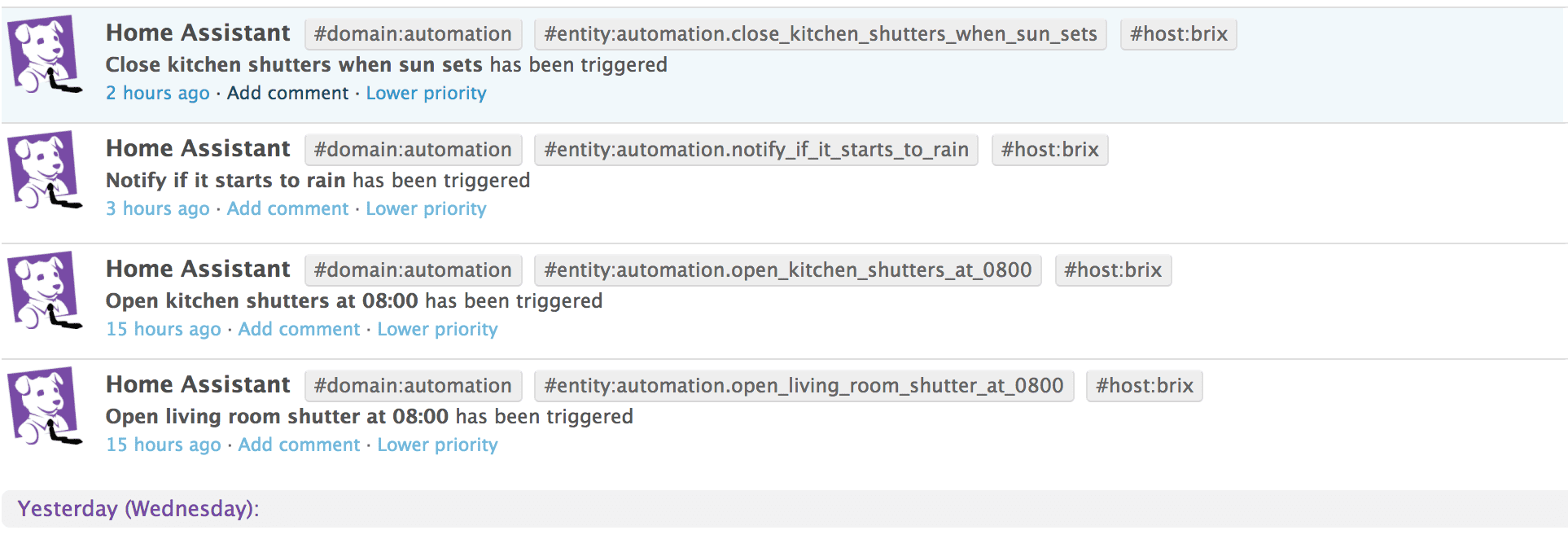
该集成还将活动跟踪的事件发送到 Datadog,允许您将这些事件与数据相关联。
设置
您需要在 Home Assistant 可访问的网络中安装 Datadog 代理。
在 Datadog Agent 配置中,您必须启用 DogStatsD 非本地流量,以允许从 localhost 外部收集 StatsD 数据。
配置
配置
此集成可通过 UI 配置。前往 设置 > 设备与服务 添加。
移除集成
此集成遵循标准的集成移除流程。不需要额外步骤。
To remove an integration instance from Home Assistant
- Go to Settings > Devices & services and select the integration card.
- From the list of devices, select the integration instance you want to remove.
- Next to the entry, select the three-dot
menu. Then, select Delete.