

Camera
Camera 集成允许您在 Home Assistant 中使用 IP 摄像头。
This camera is a building block integration that cannot be added to Home Assistant directly, but is used and provided by other integrations. A building block integration differs from a typical integration that connects to a device or service. Instead, other integrations use this camera building block to provide entities, actions, and other functionality that you can use in your automations or dashboards. If one of your integrations uses this building block, this page documents the functionality the camera building block offers.
流媒体视频
如果您的摄像头支持,并且已设置 stream 集成,您将能够在前端和支持的媒体播放器上流式传输摄像头画面。
Preload stream 选项将在 Home Assistant 启动时启动摄像头源,并继续保持流活跃。这将减少在前端打开流时的延迟,以及使用 play_stream 操作或 Google Assistant 集成时的延迟。但是,这会消耗更多机器资源,因此如果您计划使用此功能,建议检查 CPU 使用情况。
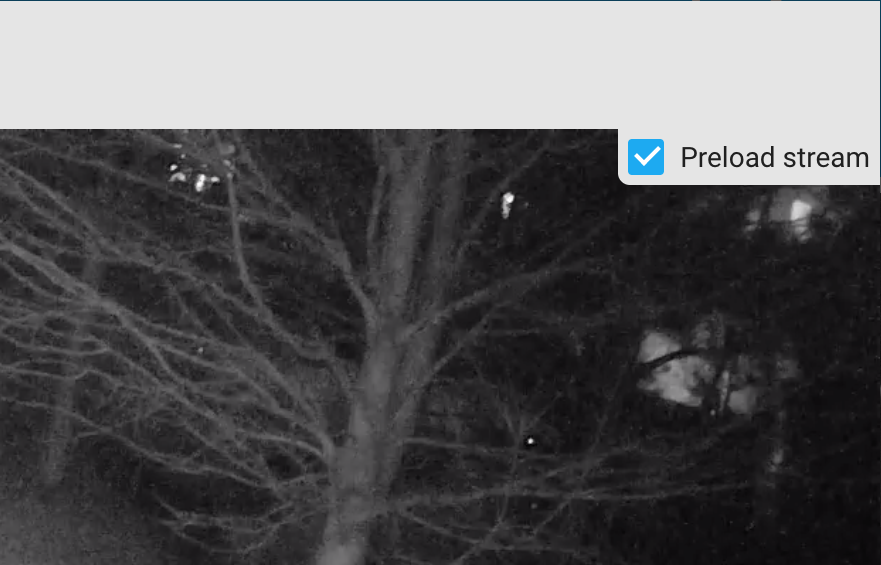 示例显示摄像头对话框中的预加载流选项。
摄像头的状态
摄像头可以有以下状态。并非所有摄像头集成都支持所有状态。
- Streaming:摄像头正在传输其录制的视频数据的实时回放。
- Recording:摄像头当前正在捕获视频内容。
- Idle:摄像头当前未捕获视频内容。
- Unavailable:实体当前不可用。
- Unknown:状态尚不清楚。
动作
加载后,camera 平台将公开可调用以执行各种操作的动作。
可用动作:enable_motion_detection、disable_motion_detection、play_stream、record、snapshot、turn_off 和 turn_on。
动作:启用运动检测
camera.enable_motion_detection 动作允许您启用摄像头的运动检测。
动作:禁用运动检测
camera.disable_motion_detection 动作允许您禁用摄像头的运动检测。
动作:播放流
camera.play_stream 动作允许您将摄像头的实时流播放到选定的媒体播放器。需要设置 stream 集成。
例如,自动化中的以下动作将向您的 Chromecast 发送 hls 实时流。
动作:录制
camera.record 动作允许您从摄像头流进行 .mp4 录制。需要设置 stream 集成。
duration 和 lookback 选项都是建议值,但对于每个摄像头应该保持一致。录制的实际长度可能会有所不同。建议您根据需要调整这些设置。
filename 的路径部分必须是您的 "configuration.yaml" 文件中 homeassistant: 部分的 allowlist_external_dirs 中的一个条目。
例如,自动化中的以下动作将从 "yourcamera" 进行录制并保存到 /tmp,文件名带有时间戳。
动作:快照
camera.snapshot 动作允许您从摄像头拍摄快照。
filename 的路径部分必须是您的 "configuration.yaml" 文件中 homeassistant: 部分的 allowlist_external_dirs 中的一个条目。
例如,自动化中的以下动作将从 "yourcamera" 拍摄快照并保存到 /tmp,文件名带有时间戳。
动作:关闭
camera.turn_off 动作允许您关闭摄像头。并非所有摄像头型号都支持此动作,请查阅各个摄像头页面。
动作:打开
camera.turn_on 动作允许您打开摄像头。并非所有摄像头型号都支持此动作,请查阅各个摄像头页面。
测试是否工作
测试 camera 平台是否正确设置的一种方法是使用 开发者工具 中的 动作。从 动作 下拉菜单中选择您的动作,在 数据 字段中输入类似以下示例的内容,然后选择 执行动作。